
Close Menu
  • News
    • Bitcoin
    • Altcoins
    • DeFi
    • Market Cap
  • Blockchain
  • Web 3
    • NFT
    • Metaverse
  • Regulation
  • Analysis
  • Learn
  • Blog
What's Hot

Bitcoin Falls Below $66,000 Amid Surging ETF Outflows, $4 Billion Withdrawn in 12 Days

2026-06-03

Banks have pushed Congress to destroy stablecoin proceeds with the CLARITY Act

2026-06-03

XRP to be included in Bitwise’s first-ever $259 million tokenized fund, CEO speaks out

2026-06-03
Facebook X (Twitter) Instagram
  • Contact
  • Terms & Conditions
  • Privacy Policy
  • DMCA
  • Advertise
Facebook X (Twitter) Instagram
Bitcoin Platform – Bitcoin | Altcoins | Blockchain | News Stories Updated Daily
  • News
    • Bitcoin
    • Altcoins
    • DeFi
    • Market Cap
  • Blockchain

    XRP to be included in Bitwise’s first-ever $259 million tokenized fund, CEO speaks out

    2026-06-03

    XRP to be included in Bitwise’s first-ever $259 million tokenized fund, CEO speaks out

    2026-06-03

    XRP to be included in Bitwise’s first-ever $259 million tokenized fund, CEO speaks out

    2026-06-03

    Base’s status update system went down and no one noticed

    2026-06-03

    Solayer launches Margin Trading Testnet

    2026-06-03
  • Web 3
    • NFT
    • Metaverse
  • Regulation

    Bank of England stablecoin caps may choke the UK’s pound-token market before launch

    2026-06-03

    Europe is actively trying to stop the takeover of the dollar stablecoin

    2026-06-01

    How a disputed $1 billion claim became a powerful weapon against prediction markets

    2026-05-31

    The US says it has captured Iran’s cryptocurrency with a $1 billion seizure

    2026-05-31

    Hyperliquid’s HYPE rally is bigger than a new all-time high

    2026-05-31
  • Analysis

    Banks have pushed Congress to destroy stablecoin proceeds with the CLARITY Act

    2026-06-03

    Goldman Sachs specialist outlines the stock sector he’s excited about amid the historic boom in tech stocks

    2026-06-03

    XRP price falls below $1.22 as market sentiment turns sour

    2026-06-03

    Bitcoin returns to the price that closed 2021 and defined 2024, now retesting the rally

    2026-06-03

    Ed Yardeni Undercuts Fears That SpaceX, Anthropic and OpenAI Will Suck the Oxygen Out of the Stock Market – Here’s Why

    2026-06-03
  • Learn

    Williams %R Indicator in Crypto: How to Use %R in Crypto Trading

    2026-06-03

    What Is a Semi-Fungible Token? SFT Crypto Explained

    2026-06-02

    Pennant Chart Pattern in Crypto: How Bullish and Bearish Pennants Work

    2026-06-02

    Head and Shoulders Crypto Pattern: How It Works and How to Read It

    2026-06-01

    Crypto Triangle Patterns: How to Spot and Read Them

    2026-06-01
  • Blog
Bitcoin Platform – Bitcoin | Altcoins | Blockchain | News Stories Updated Daily
Home»NFT»How to use Midjourney to create stunning AI art
How to use Midjourney to create stunning AI art
NFT

How to use Midjourney to create stunning AI art

2023-06-02No Comments5 Mins Read
Share
Facebook Twitter LinkedIn Pinterest Email

Producing AI-powered artwork is now within everyone’s reach, thanks to innovative platforms like Midjourney, a standalone AI art application that turns textual cues into visual content. This incredibly powerful tool leverages the capabilities of artificial intelligence and machine learning to produce distinctive works of art in response to a user’s written instructions.

Midjourney has become a favorite of the NFT community for its ability to bring otherworldly ideas and images to life in a relatively intuitive creative workflow. To begin your journey through the world of AI-powered art, here are 5 fundamental steps you need to follow to access and use Midjourney.

Step 1: Register on the Midjourney Server via Discord

Midjourney is accessible to all Discord account holders. First time on Discord? Your first move is to create an account. Once your account is up and running, navigate to the Midjourney website and select the “Join the Beta” option to receive their direct invite. Click “Accept Invite” to join the server. You’re ready to go!
Step 2: Learn the rules of engagement

AI may be the Wild West, but there are still some rules! After joining, it is important that you understand the community rules and terms of service. After all, you don’t want to be suspended, do you? It’s also important to note that Midjourney offers up to 25 searches for free. Once you’ve used your free searches, you’ll need to choose from a range of plans to continue using the generator.

Step 3: Access a bot channel and create your first piece of art

To create your inaugural AI artwork, you’ll need to access a bot channel dedicated to newbies. Within the Midjourney server, choose a “Newbies” channel from the sidebar. Then enter “/imagine” in the message bar along with your creative prompt and hit “Enter” to submit your guideline. It takes a while for the bot to generate four visual representations based on your prompt. At first you may only see abstract color patterns, but the images will gradually become more defined.

See also  Nike and Electronic Arts are teaming up to create a new immersive experience in EA Sports Gaming Ecosystem

Writing fast is a skill in itself! To get the image you want, it is critical to understand vital aspects such as artistic style, color scheme, lighting and layout. The order of words in your assignment also affects the outcome. Therefore, it is recommended that you prioritize essential parts at the beginning of your instruction and add additional details later.

By mimicking different art styles, you can write better prompts and create more visually appealing images. For example, try telling Midjourney to make “in the style of” one of your favorite artists. In the same way that an artist keeps a diary of creative concepts, gathering ideas for AI art prompts can be beneficial to you. Consider writing down color schemes or highlighting illustrative text. The world is your oyster!
Step 4: Refine your image

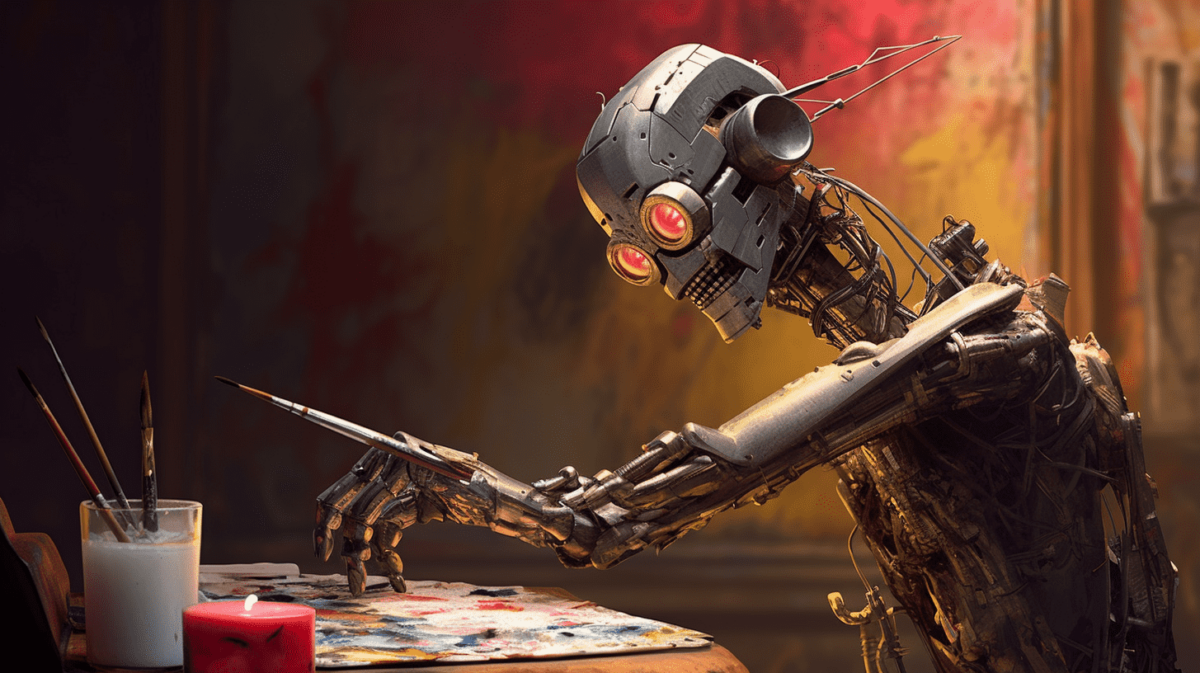
After the artificial intelligence powers have given you four images, you can go one step further and improve one of the selected images or generate additional variations using the buttons below the images. To enhance an image, use the first row of buttons below the image grid and click U1, U2, U3, or U4, corresponding to the image you want to enhance. Displeased? No problem. If you want more versions of a particular image in the grid, locate the second row of buttons below the grid and press V1, V2, V3, or V4, corresponding to the image you want the bot to reproduce. The bot generates four new images. It’s important to remember that each “/imagine” prompt, enhancement, and variation will consume one of the 25 free opportunities offered when participating in Midjourney. It can sometimes take quite a few iterations to find the one!

See also  Top NFTs by weekly sales volume

Step 5: Immortalize your artwork

Okay, so you’ve created your masterpiece and you’re ready to share it with the world. What now? Well, you can save the image directly to your computer by clicking on the image to preview it, pressing “Open Original” to open the full size image, then right clicking on the image and Select “Save Picture As…”. You can also receive a copy of the image by sending it to yourself on Discord. You can do this by finding the bot message that contains your finished image, clicking the emoji button to reply to the message, and selecting the envelope emoji. Your creation will then appear in your Discord inbox.

If there are any irregularities in the AI ​​image, you can always use tools such as Photoshop or similar programs to adjust the image and fix any errors. This can be a really fun way to put your own stamp on the AI ​​output!

As you progress in your AI art adventures, it can be helpful to try out other tools and resources. Be sure to check out our list of the best AI art generators here!

Editor’s Note: This article was written by an nft now contributor in collaboration with OpenAI’s GPT-4.

Source link

Art create Midjourney Stunning
Share. Facebook Twitter Pinterest LinkedIn Tumblr Email

Related Posts

Binance ends NFT support on exchange and shifts service to wallet

2026-06-03

Cripco joins Minicoin in driving speculation IPX exits NFT business

2026-05-28

Sales of tokenized Pokémon cards soar to a record $7.4 million in the first week of May

2026-05-27

21 US Lawmakers Introduce Bill to Create a Strategic Bitcoin Reserve: Details

2026-05-22
Add A Comment
Leave A Reply Cancel Reply

Top Posts

Artnames allows users to put their name in a personalized NFT

2024-11-14

Linear Finance joins forces with Chainlink to revolutionize cross-chain token transfers

2024-05-13

Paxos integrates Solana to support Enterprise Stablecoin solutions

2026-03-26
Editors Picks

The Crypto Liquidity Crisis Causes Major Price Drops During Sell-Off – Kaiko

2024-08-12

Progressive Think Tank says that Trump Memecoin could violate the anti-Op-Koping Laws, asks to investigate

2025-02-07

IQ AI and OpenLedger work together to improve intelligent automation

2025-06-01

Ethereum is still running the risk of being overtaken by XRP? Analyst Runs back shocking forecast

2025-08-14

Our mission is to develop a community of people who try to make financially sound decisions. The website strives to educate individuals in making wise choices about Cryptocurrencies, Defi, NFT, Metaverse and more.

We're social. Connect with us:

Facebook X (Twitter) Instagram Pinterest YouTube
Top Insights

Bitcoin Falls Below $66,000 Amid Surging ETF Outflows, $4 Billion Withdrawn in 12 Days

Banks have pushed Congress to destroy stablecoin proceeds with the CLARITY Act

XRP to be included in Bitwise’s first-ever $259 million tokenized fund, CEO speaks out

Get Informed

Subscribe to Updates

Get the latest news and Update from Bitcoin Platform about Crypto, Metaverse, NFT and more.

  • Contact
  • Terms & Conditions
  • Privacy Policy
  • DMCA
  • Advertise
© 2026 Bitcoinplatform.com - All rights reserved.

Type above and press Enter to search. Press Esc to cancel.